Download the single-line diagram softwareStart today, for free.
Install the free version and start right away. You activate a license later inside the program, without reinstalling.
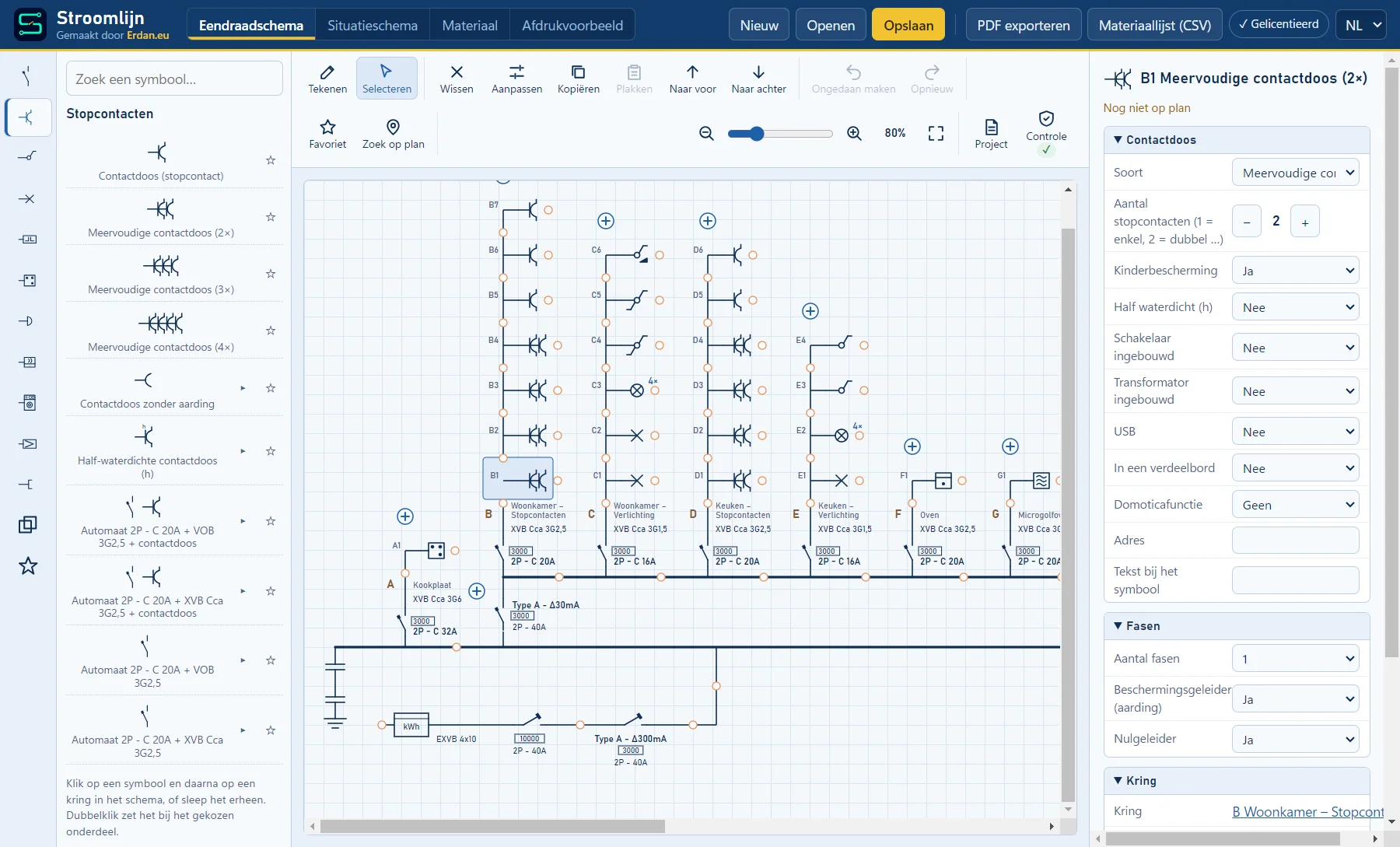
Windows
For PCs and laptops with Windows 10 or 11. The full program, offline too.
Download Stroomlijn
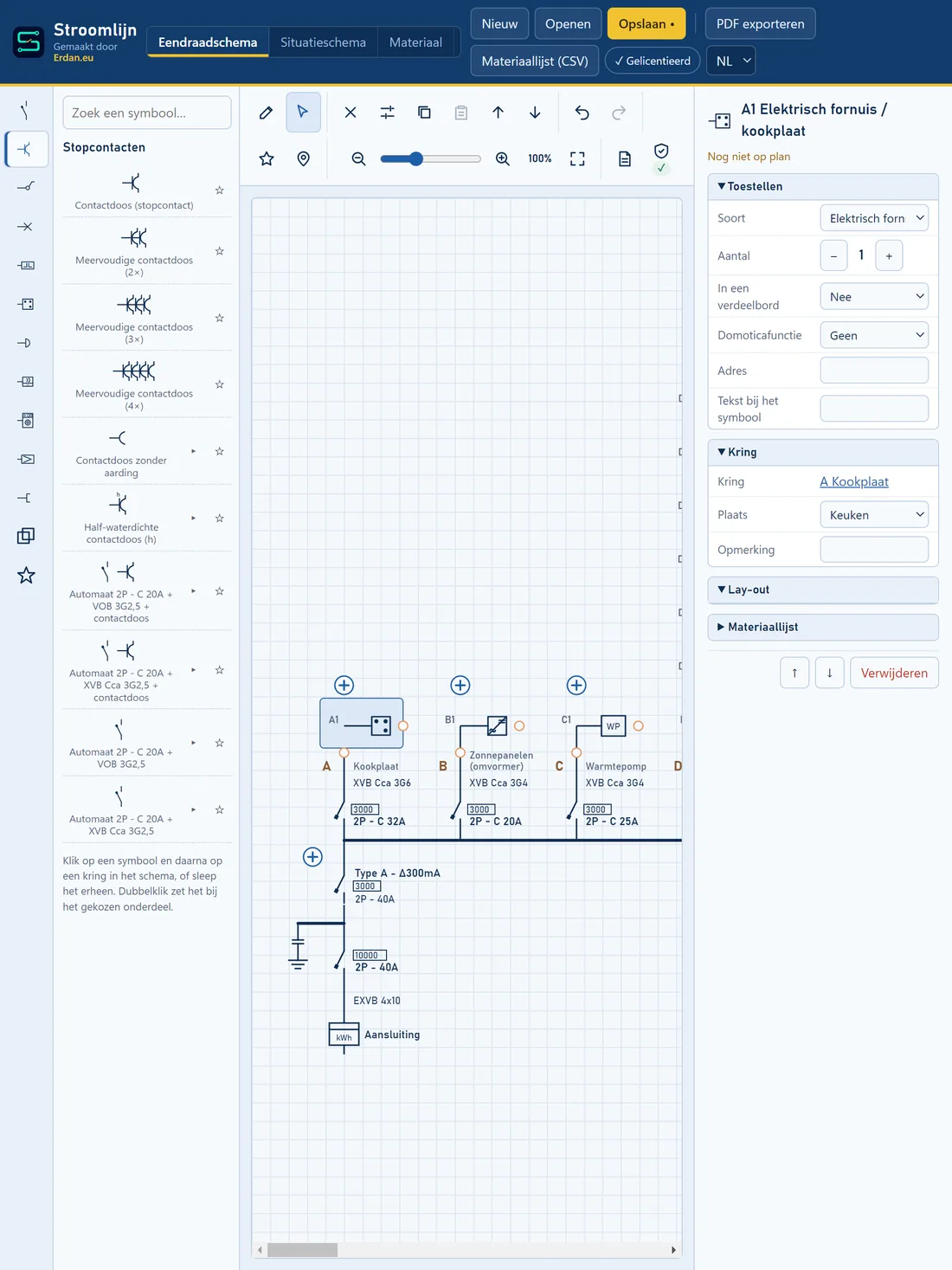
macOS
For iMac, MacBook and Mac mini with macOS 11 or later. The same full program, offline too.
Download for Mac
Microsoft Store
The same program through the Windows Store, without the blue warning window.
Go to the Microsoft Store
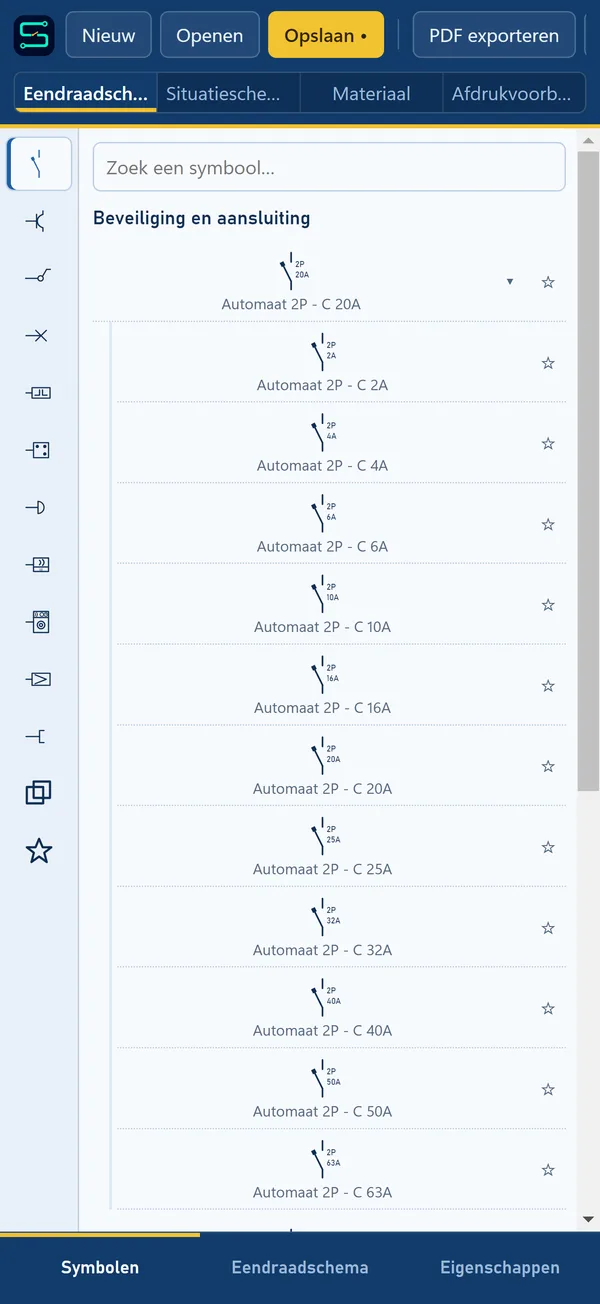
iPhone & iPad
For iPhone and iPad. Draw and check on the go too.
Coming soon to BelgiumDo you see a blue Windows window?
Because Stroomlijn is new, Windows does not know it yet and shows "Windows protected your PC". To install anyway:
- Click "More info".
- Check that it says Stroomlijn Setup.
- Click "Run anyway".
System requirements
What your device needs.
You only need internet to activate your license. Drawing, checking and printing work fully offline.
Windows
- System
- Windows 10 or 11, 64-bit
- Space
- ± 83 MB
- Via
- Installer or Microsoft Store
macOS
- System
- macOS 11 or later, Intel or Apple silicon
- Space
- ± 400 MB
- Via
- Download (DMG)
Android
- System
- Android 6 or newer
- Space
- ± 4 MB
- Device
- Phone or tablet
iPhone & iPad
- System
- iOS 15 or newer
- Via
- App Store
One license works on 2 devices: PC, tablet or phone. See pricing.